

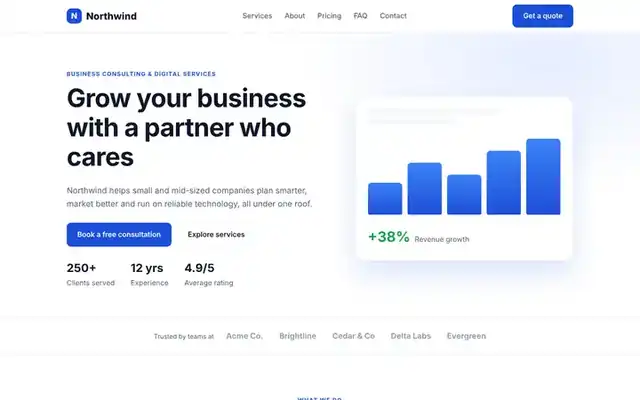
Real templates you can download and edit
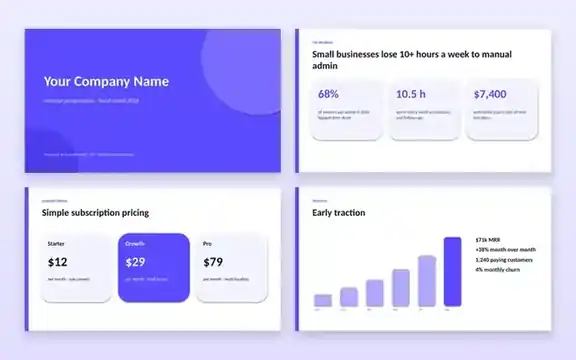
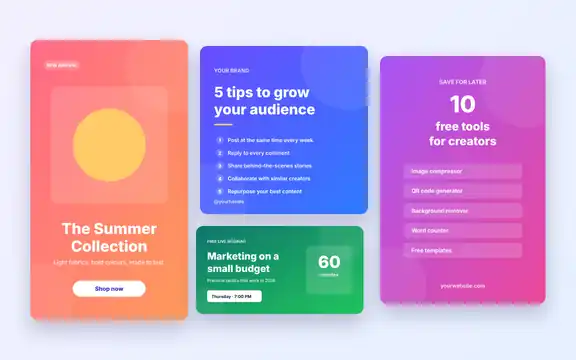
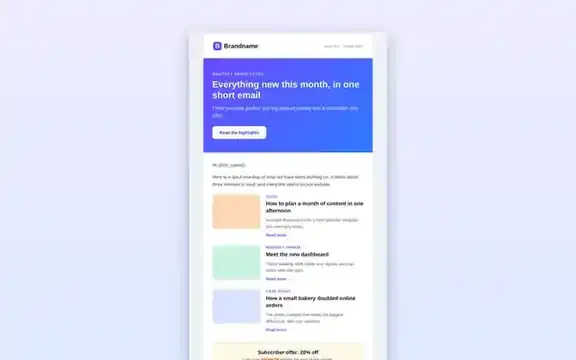
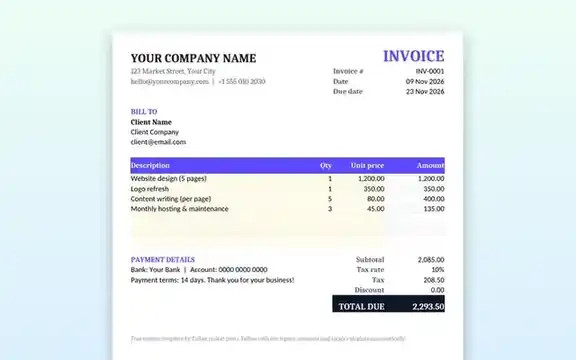
Every template on Tolket is a genuine, working file, not a screenshot or a sign-up wall. Each page shows a preview, the file format and size, the apps it works with, the licence and step-by-step instructions, so you know exactly what you are downloading before you click.
Template formats we offer
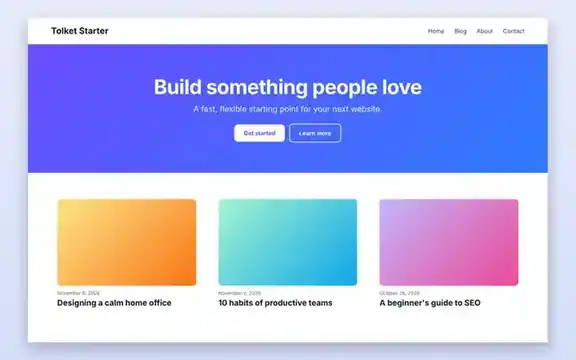
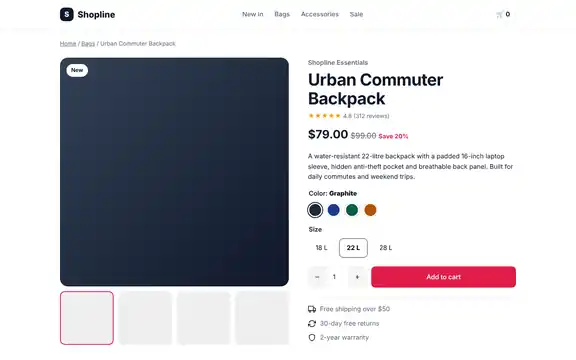
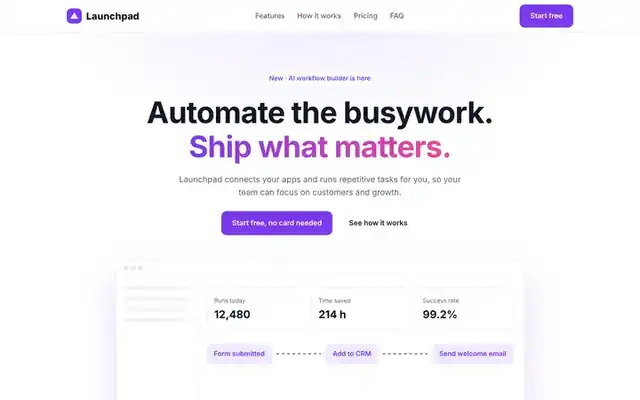
- HTML and CSS website templates (ZIP) that you can open in any code editor and host anywhere. Preview them live in your browser before downloading.
- A WordPress block theme you can upload from Appearance → Themes.
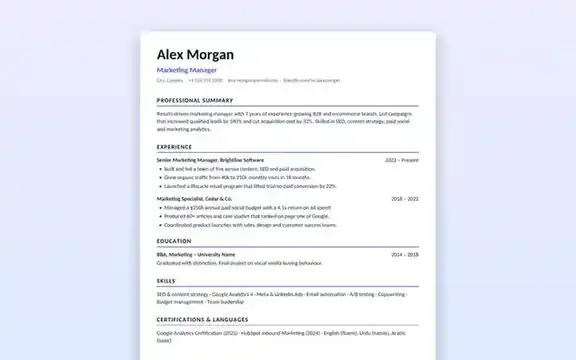
- Word, Excel and PowerPoint files (DOCX, XLSX, PPTX) that also open in Google Docs, Sheets, Slides and LibreOffice.
- Vector SVG designs for social media that you can edit in Figma, Canva, Inkscape or Illustrator.
How to use a template
Open the template page, read the requirements, then press the download button. Unzip HTML templates before editing, replace the placeholder text and images with your own, and keep a copy of the original file in case you want to start again.
Frequently asked questions
Can I use these templates for commercial projects?
Yes. Unless a template page says otherwise, you can use our templates in personal and commercial projects, including client work. You may not resell or redistribute the template files themselves as a template product.
Do I need special software?
No paid software is required. HTML templates open in any text editor and browser, and office templates work in free apps such as Google Docs, Google Sheets, Google Slides and LibreOffice.
Are the downloads safe?
Our files contain no macros, trackers or executable programs. HTML templates are plain HTML, CSS and a little JavaScript that you can read before using.
Do I need to credit Tolket?
Credit is appreciated but not required.